Back to The Compass
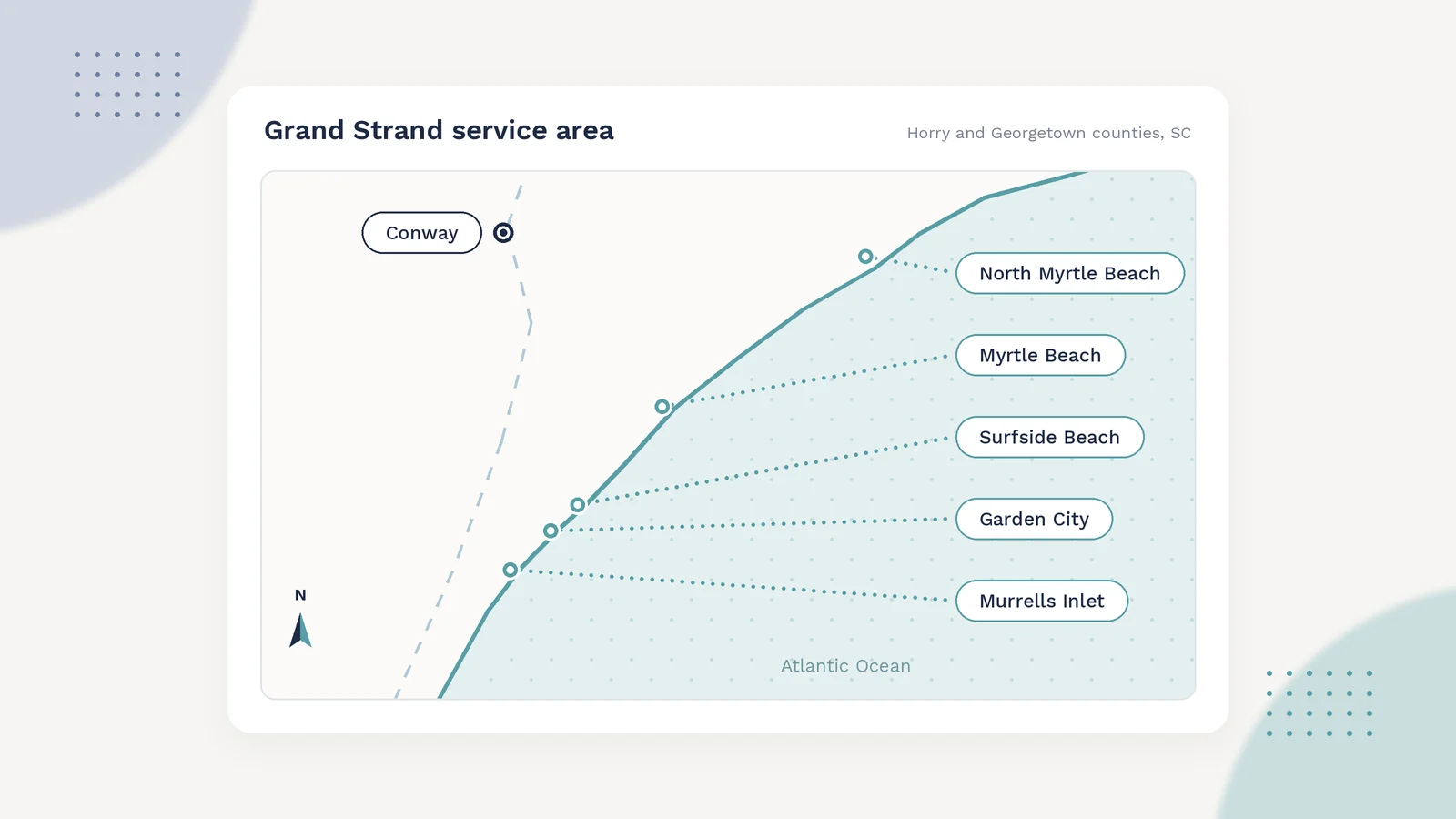
map of grand strand towns from north myrtle beach to murrells inlet
Local SEO Websites Grand Strand

Service Area Pages That Rank Without Spam

C
Check Channels
· · 4 min read
If you paint houses, build decks, or clean gutters along the Grand Strand, you probably work in a dozen towns. Customers in Conway, Surfside Beach, Little River, and Murrells Inlet all search a little differently, and most of them add their town to the search. That's why so many contractors end up with a page for every town on their website.

Done well, those pages help real people find you. Done badly, they're a pile of near identical pages with the town name swapped out, and Google has a name for that: doorway pages. They tend to get ignored or pushed down, and they make your whole site look thin.

Here's how to build service area pages that are actually worth reading, and why that's also what gives them a fair shot in search.

Start With Where You Really Work

Before you write anything, make an honest list. Which towns do you drive to every week? Which ones have you done real jobs in? Where would you happily take a call tomorrow?

That list is your starting point. If you've never done a job in Georgetown and don't plan to, a Georgetown page is a promise you can't keep. A shorter list of towns you truly serve beats a long list of places you'd technically drive to.

For most Grand Strand trades, that means a handful of pages, not fifty.

What Makes a Town Page Worth Having

The test is simple: if you deleted the town name, could someone still tell which town the page is about? If not, it's not a real page yet.

Things that make a page unique and useful:

  • Real jobs you've done there. "Repainted a two story home off Highway 544 in Socastee after the HOA approved a new color" tells a homeowner more than any slogan.
  • Photos from those jobs. Your own photos, not stock, with a short caption saying where and what.
  • Local conditions that change the work. Salt air near the beach, older homes in downtown Conway, HOA rules in Carolina Forest, flood zones near the waterway. Say how you handle them.
  • A review from a customer in that town, with their permission, if you have one.
  • Practical details. How fast you can usually get there, whether there's a travel fee, and which nearby neighborhoods you cover from that page.

None of this has to be long. Three hundred honest words with two real photos is better than a thousand words of filler.

What to Avoid

Some habits look like shortcuts but cost you in the long run:

  • Copying one page and swapping the town name. This is the classic doorway pattern. It's easy to spot, for people and for Google.
  • Stuffing the town name into every sentence. "Best Myrtle Beach painter for Myrtle Beach homes in Myrtle Beach" reads like a robot wrote it, because usually one did.
  • Listing towns you don't serve just to catch more searches.
  • Fake addresses or virtual offices in towns where you don't have a real location. That can get your Google Business Profile suspended.
  • Hiding the pages so only search engines find them. If a page isn't good enough to link from your menu or your main service area page, it's not good enough to publish.
How to Organize the Pages

Keep it simple. One main service area page lists the towns you cover, with a short line about each and a link to its page. Each town page links back to that main page and to the services you actually offer there.

Your contact info should be the same on every page and match your Google Business Profile exactly. If you need a refresher on keeping that profile in shape, we covered it in our post on Google Business Profile and reviews for Myrtle Beach trades.

Every town page should end the same way your best pages do: with an easy way to call or request a quote.

A Simple Way to Build Them Over Time

You don't need to write every page this week. Try this instead:

  1. Pick the two or three towns where you do the most work.
  2. For each one, gather two or three recent jobs with photos.
  3. Write a short page for each town using those jobs, the local conditions, and your practical details.
  4. Add a new town page only when you have real work there to talk about.
  5. Every few months, add a fresh job or photo to each page so it stays current.

That pace is realistic for a busy owner, and it keeps every page tied to work you've actually done.

What This Won't Do

No one can promise a service area page will hit the top of Google, and anyone who does is guessing. Search results depend on your Google Business Profile, your reviews, how close the searcher is, and plenty of things outside your control.

What good town pages do is give people in each town a real reason to trust you, and give search engines honest, useful pages to work with instead of copies. That's the fair shot every local business deserves.

Want a Second Look?

Check Channels helps Myrtle Beach service businesses build websites and local search setups that hold up. If you want someone to look over your service area pages and tell you which ones are pulling their weight, get in touch.

Local websites
Want your service area pages reviewed?
We’ll tell you which towns deserve a page and what each one needs, in plain language.
Book a Call

Back to The Compass